Fiat Deposit and Withdrawal Guide on KuCoin TH Web
Last updated: 06/05/2025 07:21:07
Deposit Instructions
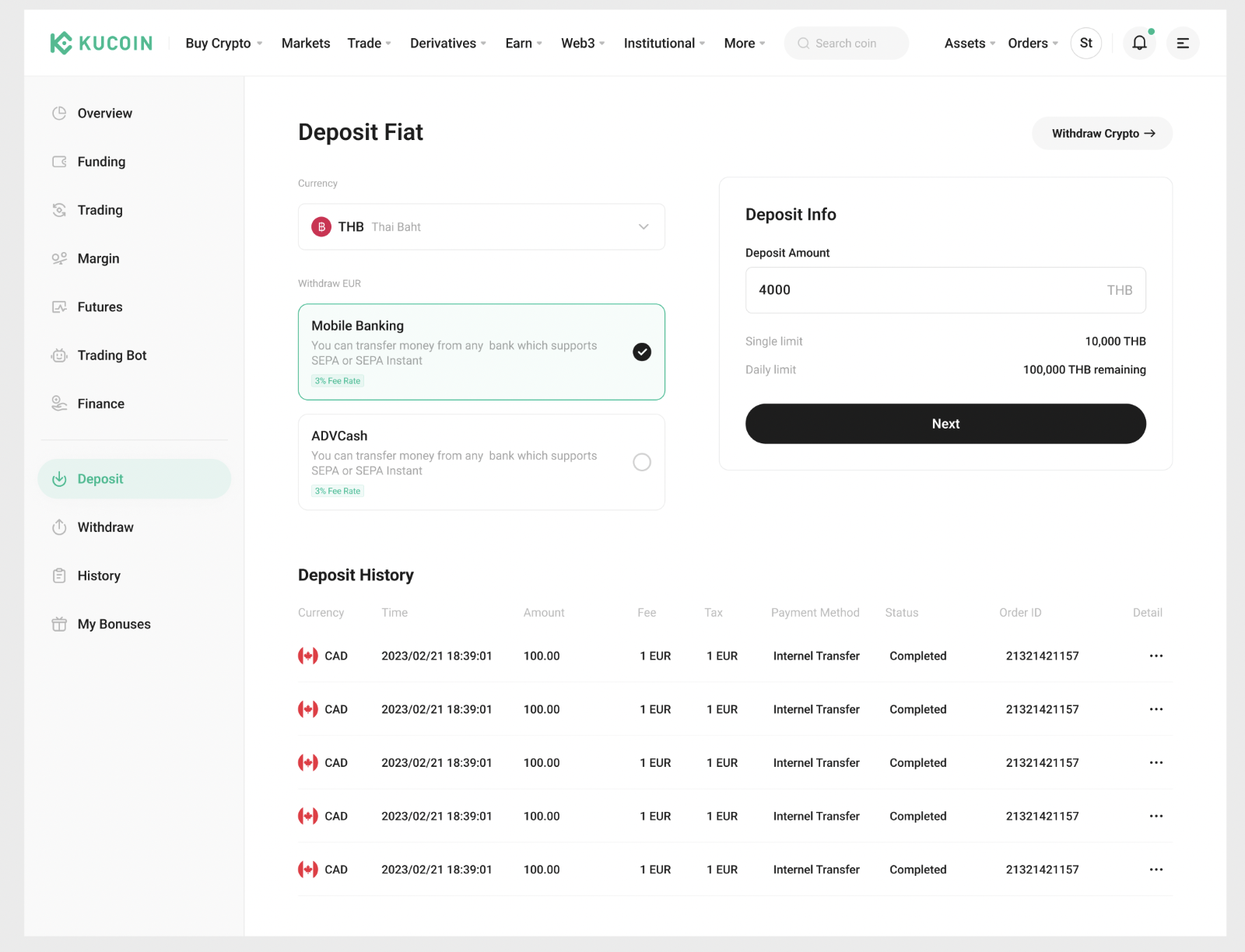
1.Complete Advanced KYC: Ensure your account has completed the advanced KYC verification process.
2.Access Deposit Page: Navigate to the overview page and select the "Deposit Fiat".
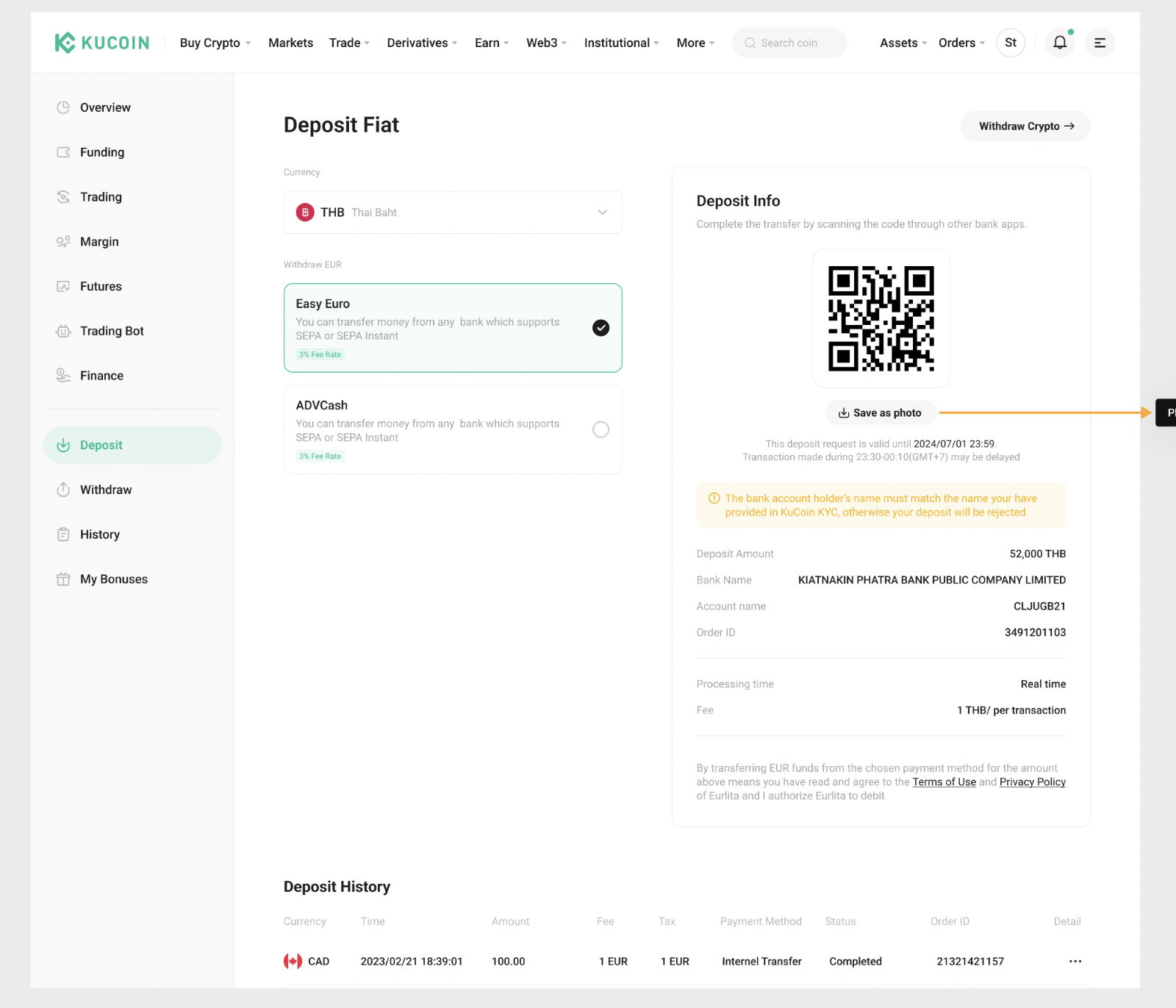
3.Follow Bank Instructions: Follow the on-screen instructions to complete the THB deposit using the provided bank information. Scan the QR code to jump to the bank interface and complete the deposit. Double-check all details to ensure accuracy before finalizing the deposit.
Withdrawal Instructions
1. Log in and Access Withdrawal Page: Log in to the app and select "Withdraw Fiat".
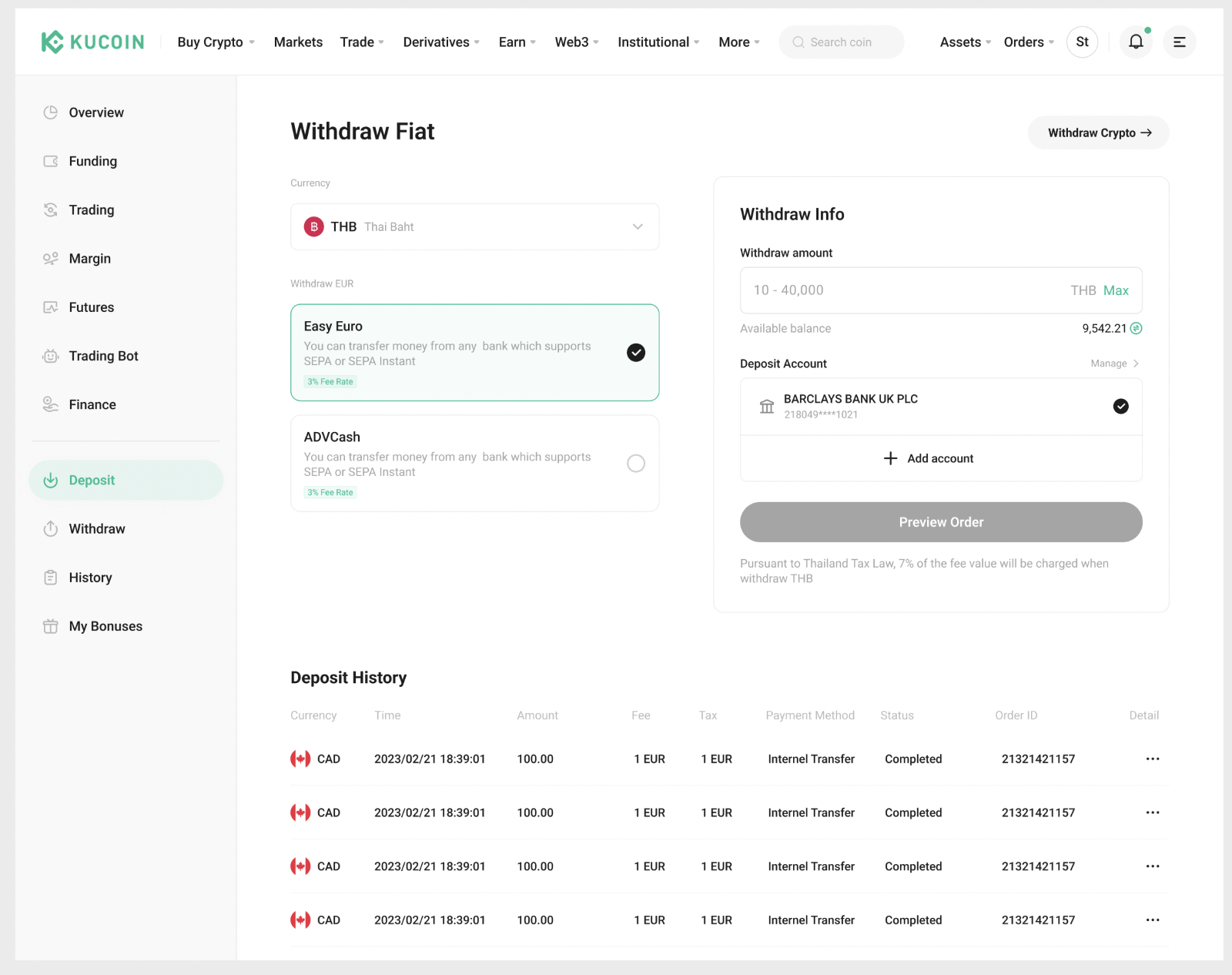
2. Enter Withdrawal Amount: Add your bank account and input the amount you wish to withdraw and confirm the details.
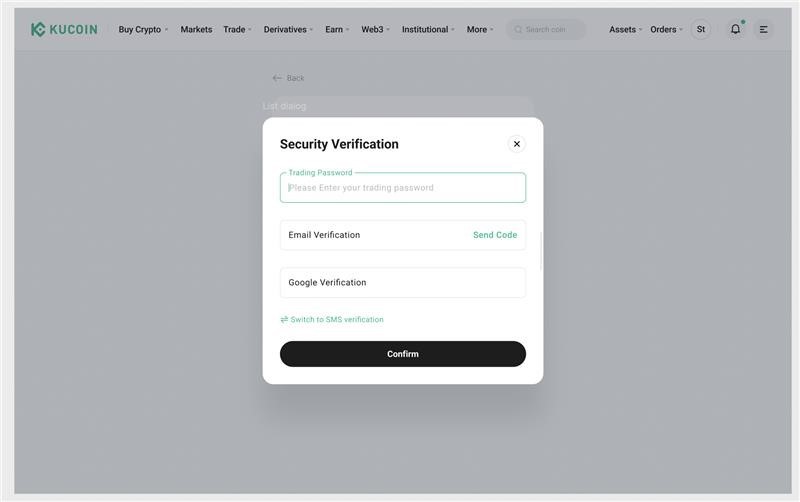
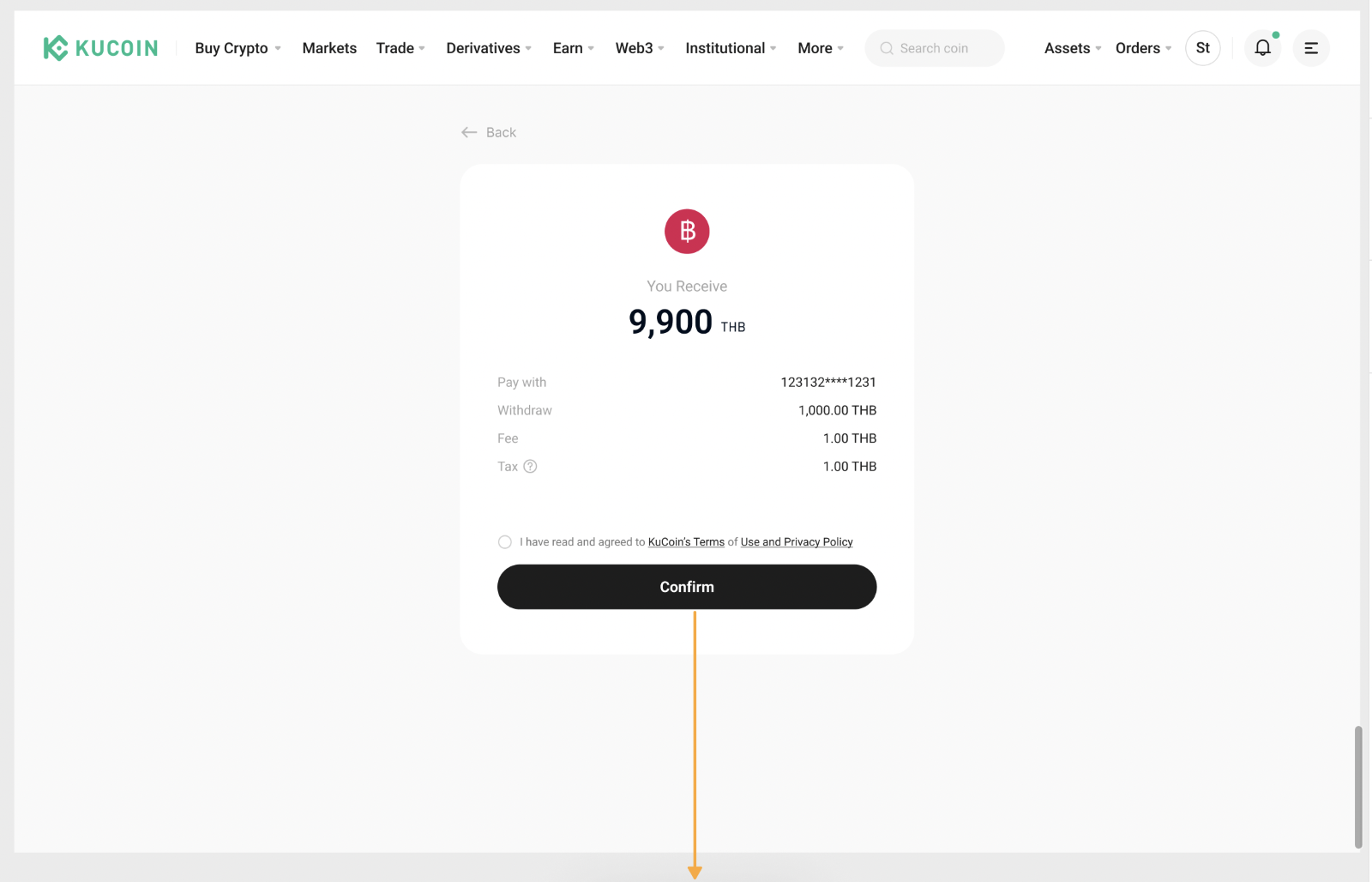
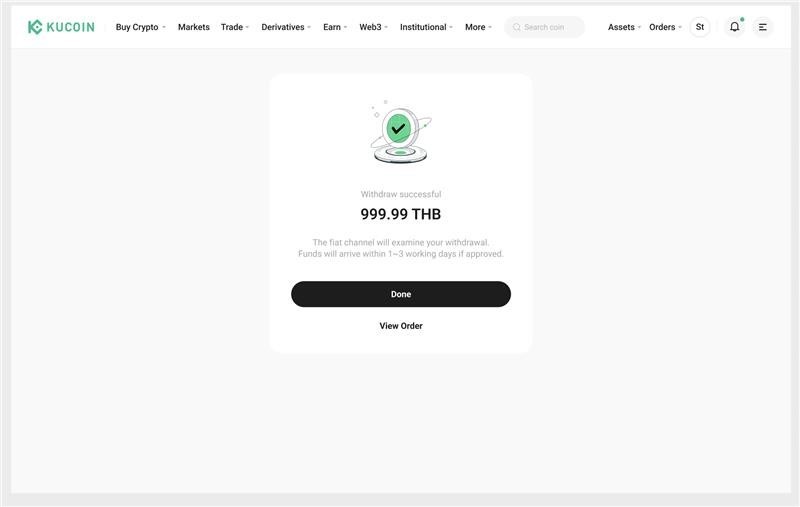
3. Complete Withdrawal: Click the withdraw button to complete the transaction.