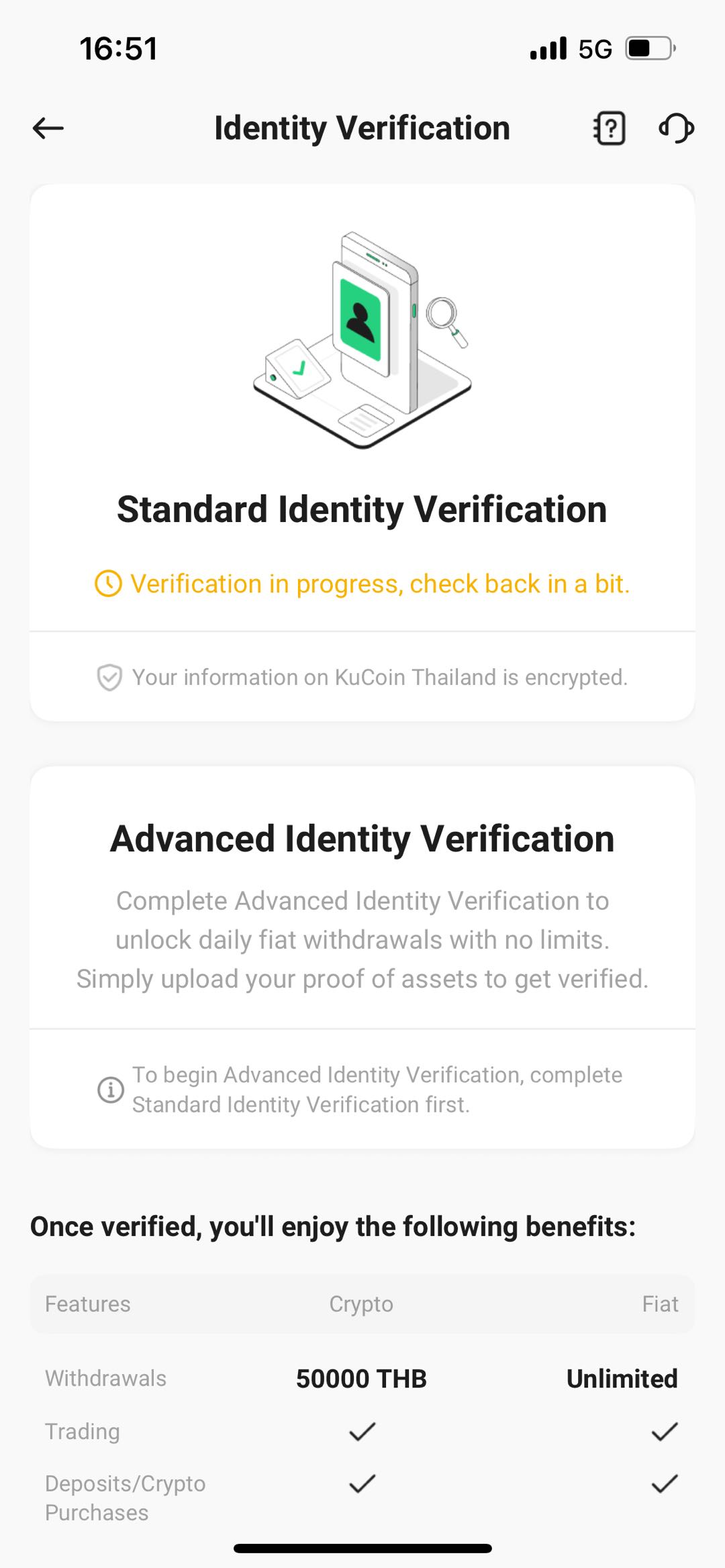
How to Complete Individual Verification (KYC) on Mobile Application
How to Complete Identity Verification on Mobile Application
Visit the official KuCoin Thailand homepage on website.
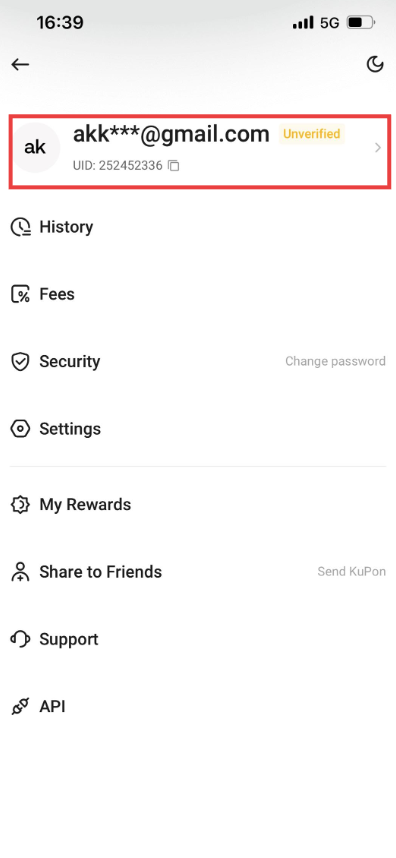
1. Log in to your KuCoin TH account and click [Profile] - [Identity Verification]
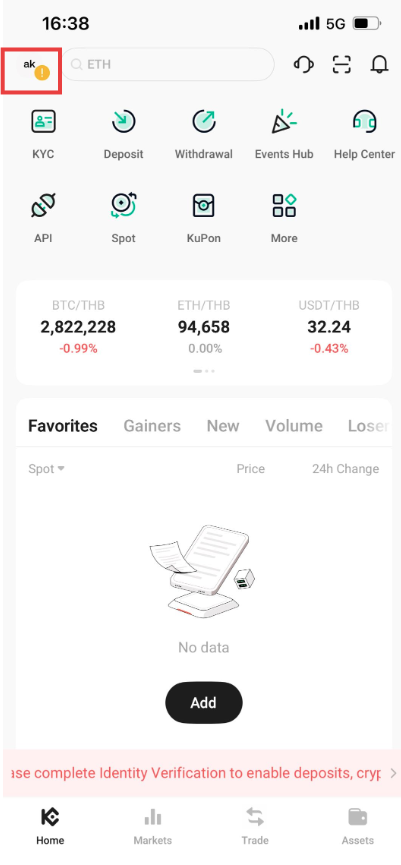
2. Tap on your Profile once again.
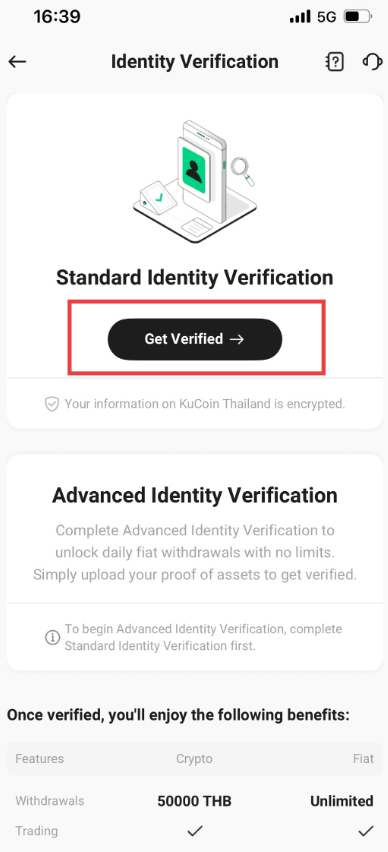
3. Then Click on “Get Verified”
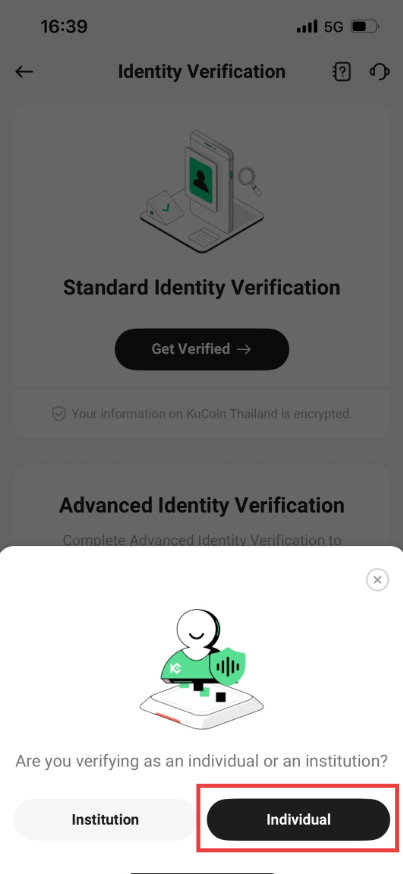
4. The screen will display a notification prompting you to choose whether you are verifying your identity as a corporate client or an individual. Select [Individual].
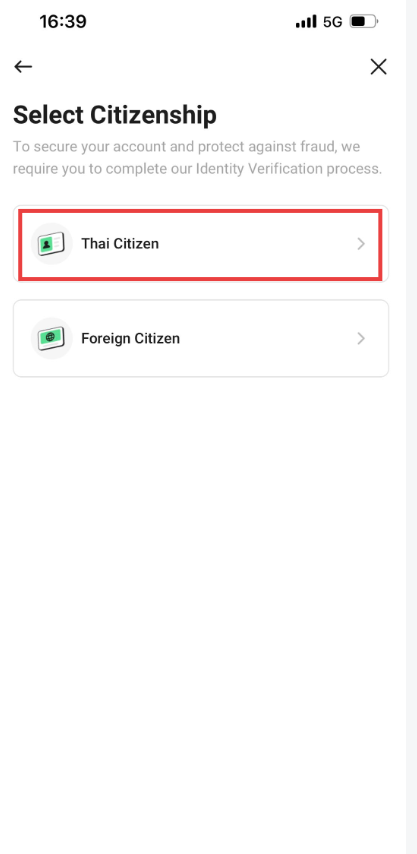
5. Select Citizenship: Thai Citizen or Foreign Citizen. Select [Thai Citizen]
6. KuCoin Thailand support National Digital ID or NDID service only for verification of Thai nationals
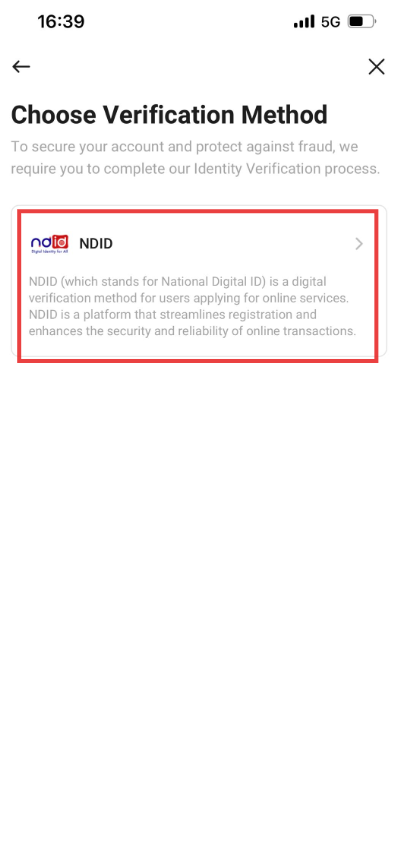
Note: Before proceeding with NDID, please ensure that you must have completed the NDID verification with a provider in Thailand prior to the use of this method on KuCoin Thailand.
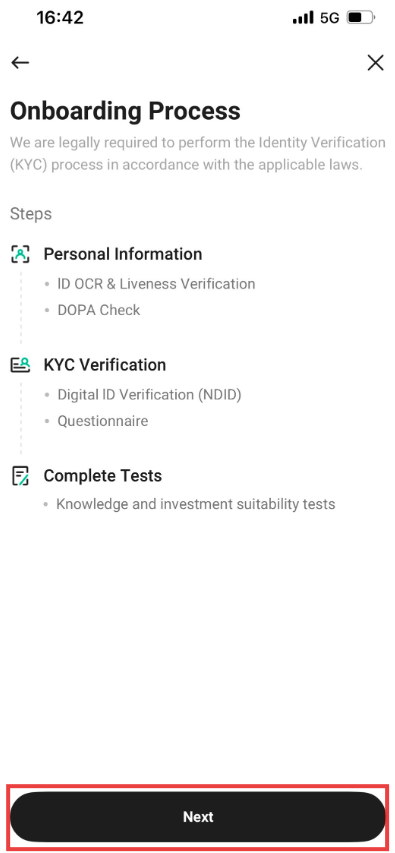
7.Read the guidelines before taking a photo of your Thai national ID and complete the face scan via the system and click “Next”.
8. Follow the instructions to photograph your document. Your photos should clearly show the entire ID document. You have to take photos of the front and back of your ID card. Please ensure that the face photo on your ID card is clearly visible. If something is unclear, choose [Retake]. Otherwise, proceed by selecting [Next].
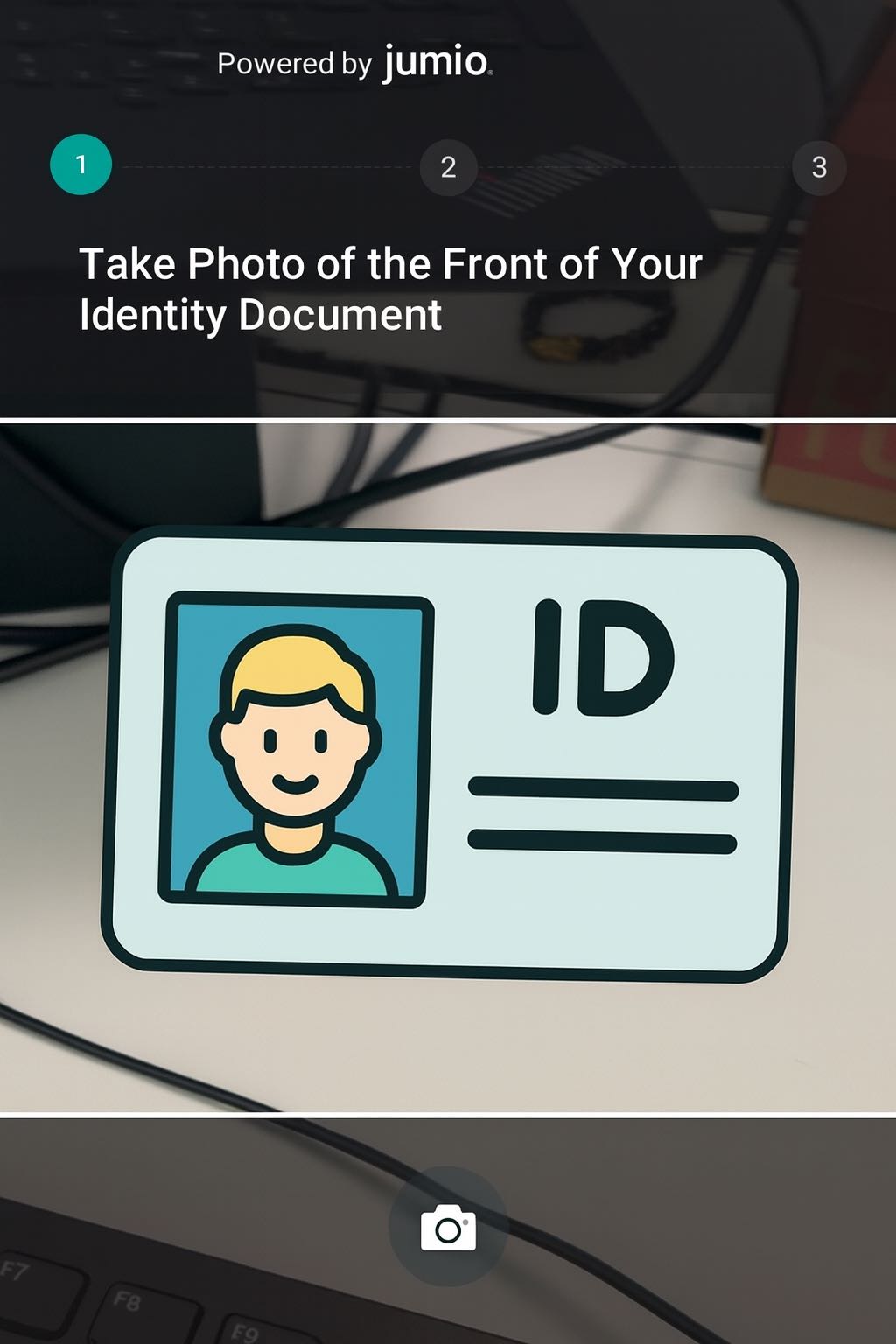

8.1 Please fill in your personal information, including your name and address. Once all information is complete, select [Next] to continue.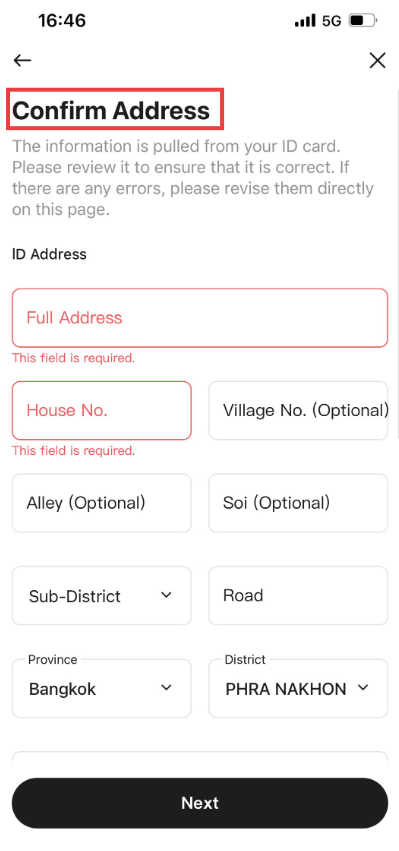
Note: Please enable camera access on your device.
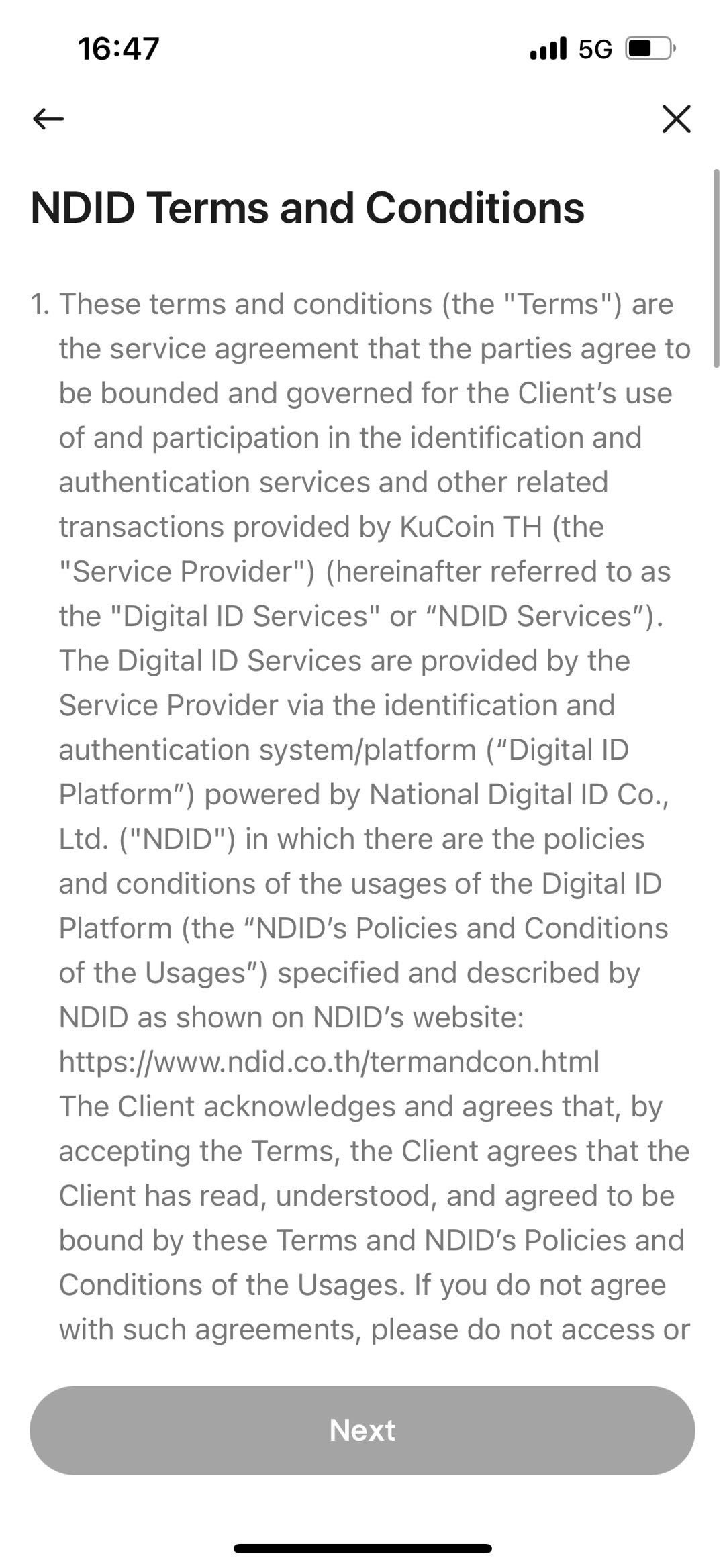
9. Next, you need to accept Terms and Conditions by NDID
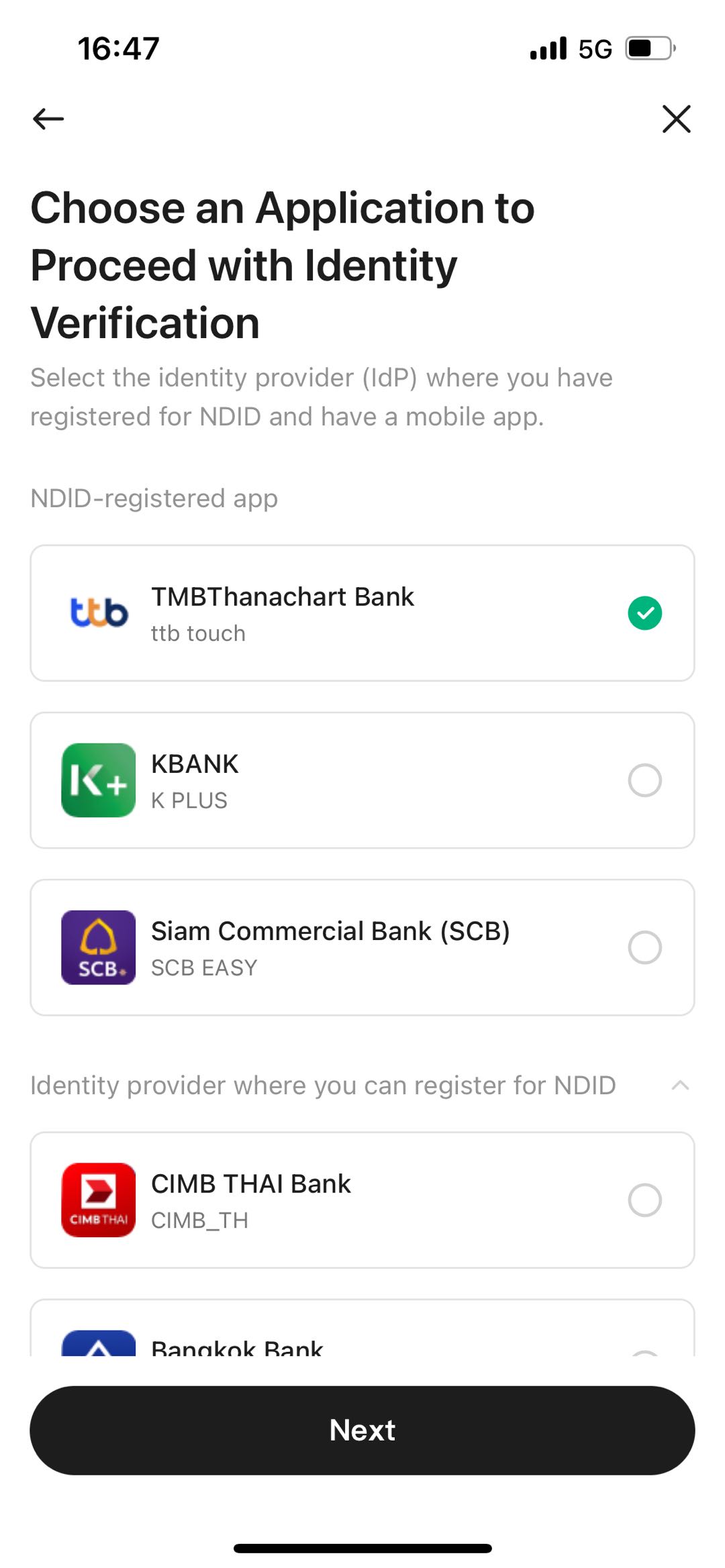
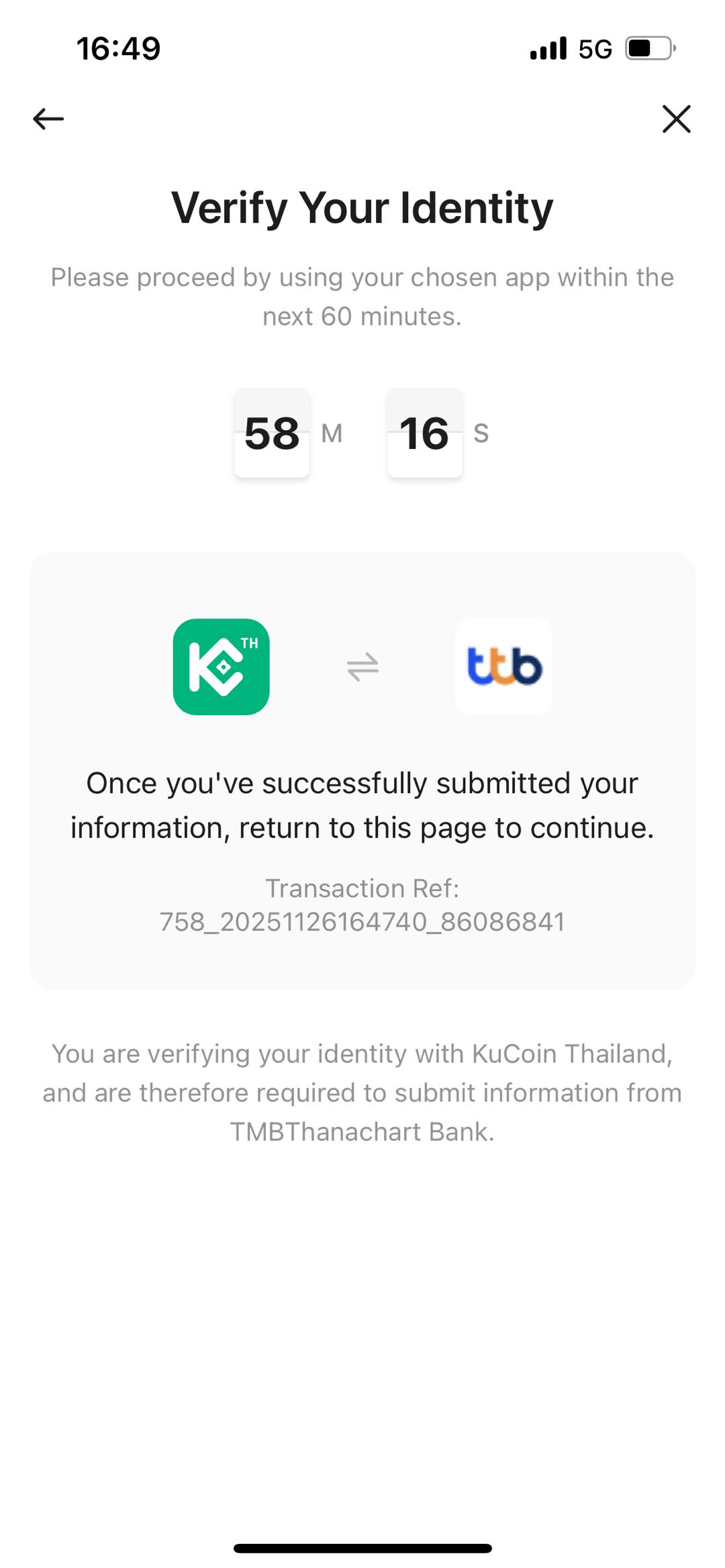
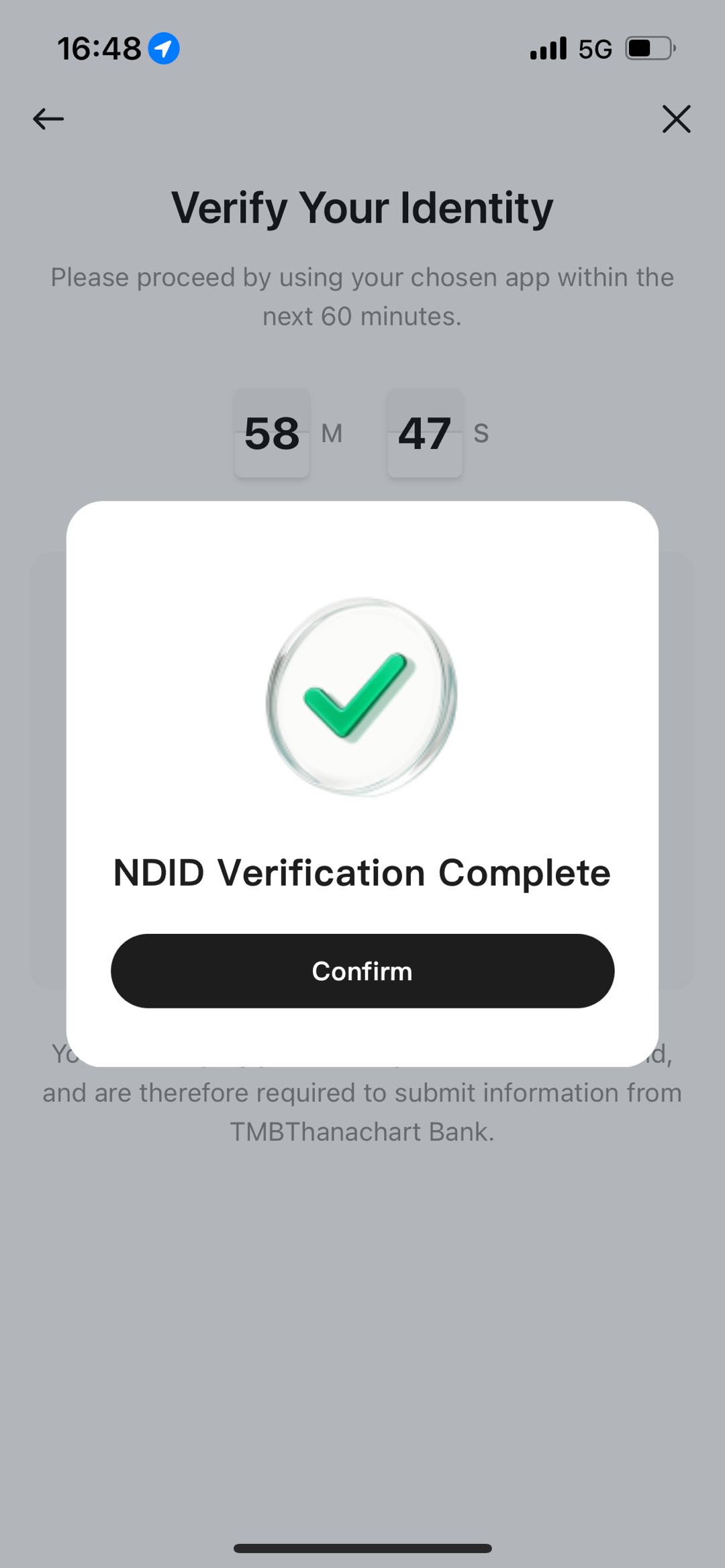
9.1 Select your bank that provides NDID services. After choosing the bank, click [Next]. You must complete the process within 60 minutes. Once the process is successfully completed, click [Confirm] to proceed.
10. Please fill in your occupation, income range, work address, and the purpose for opening the account. Once all information is completed, select Next.
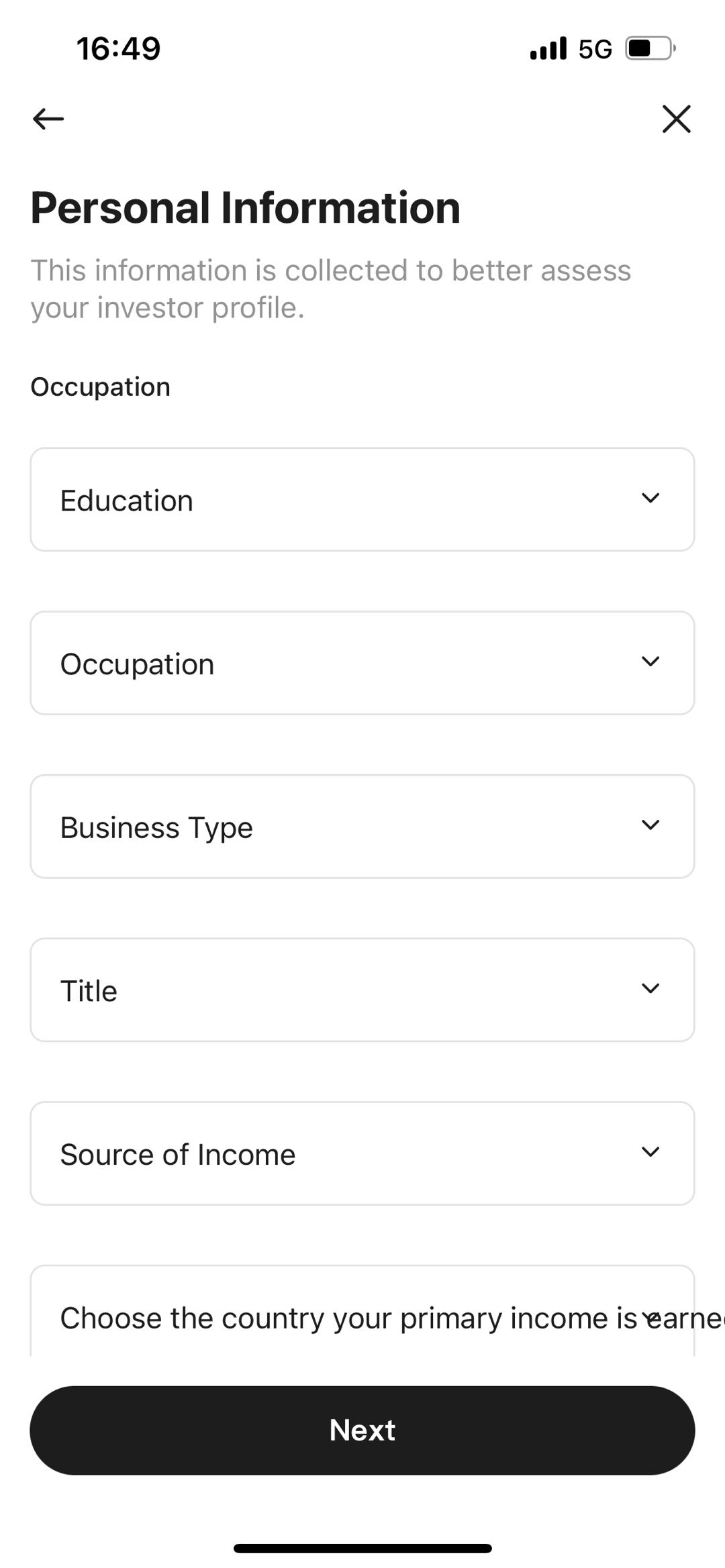
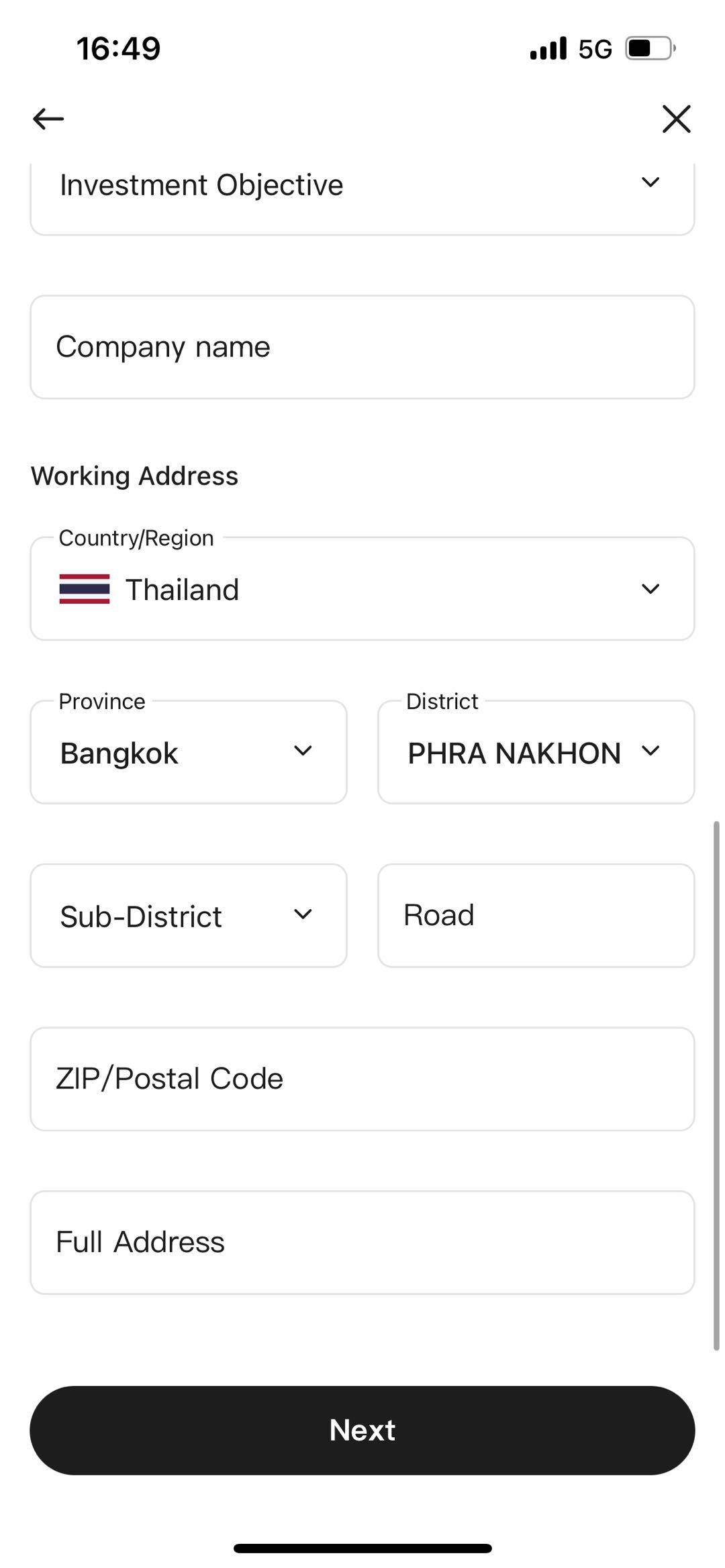
Note: Please make sure all personal information and occupation provided in the Identity Verification process is accurate to complete your account opening quickly and smoothly.
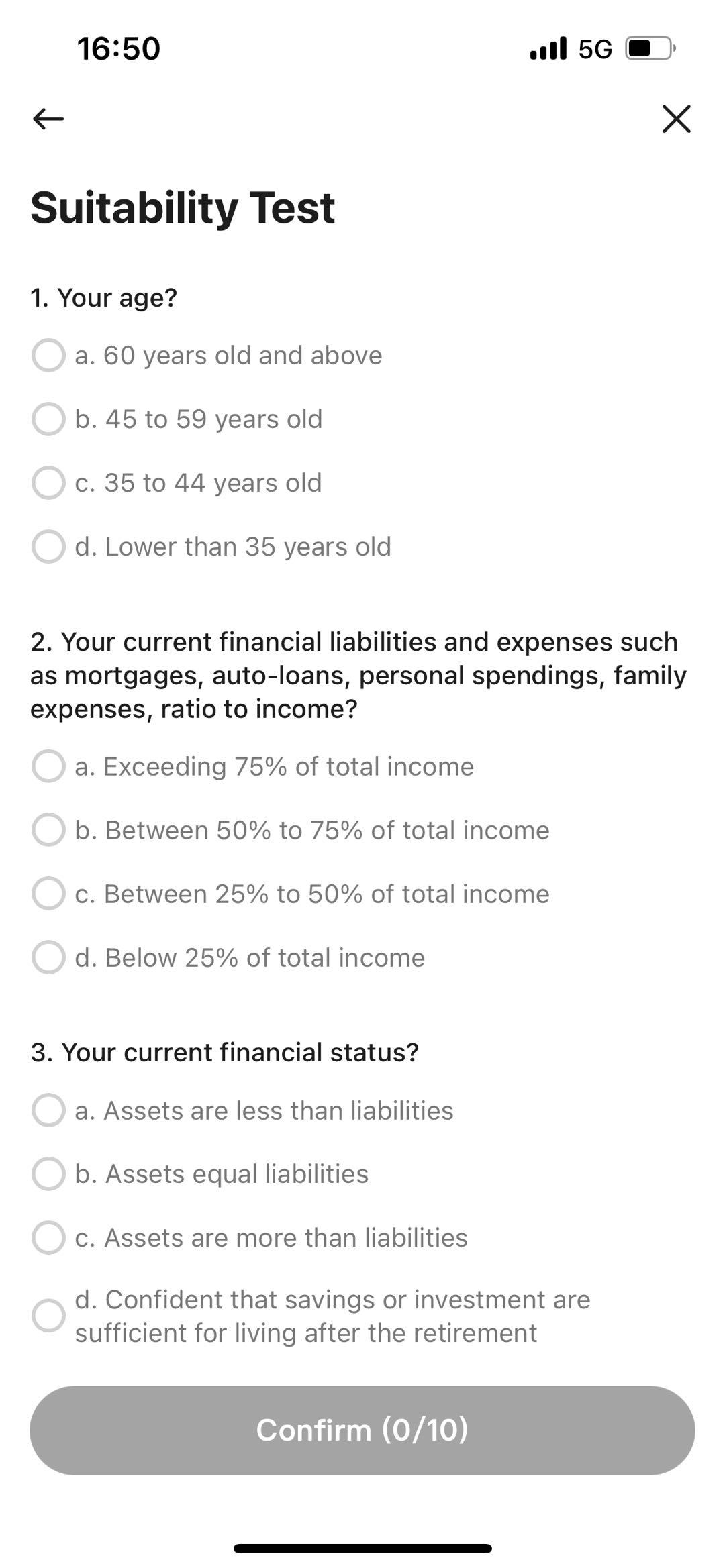
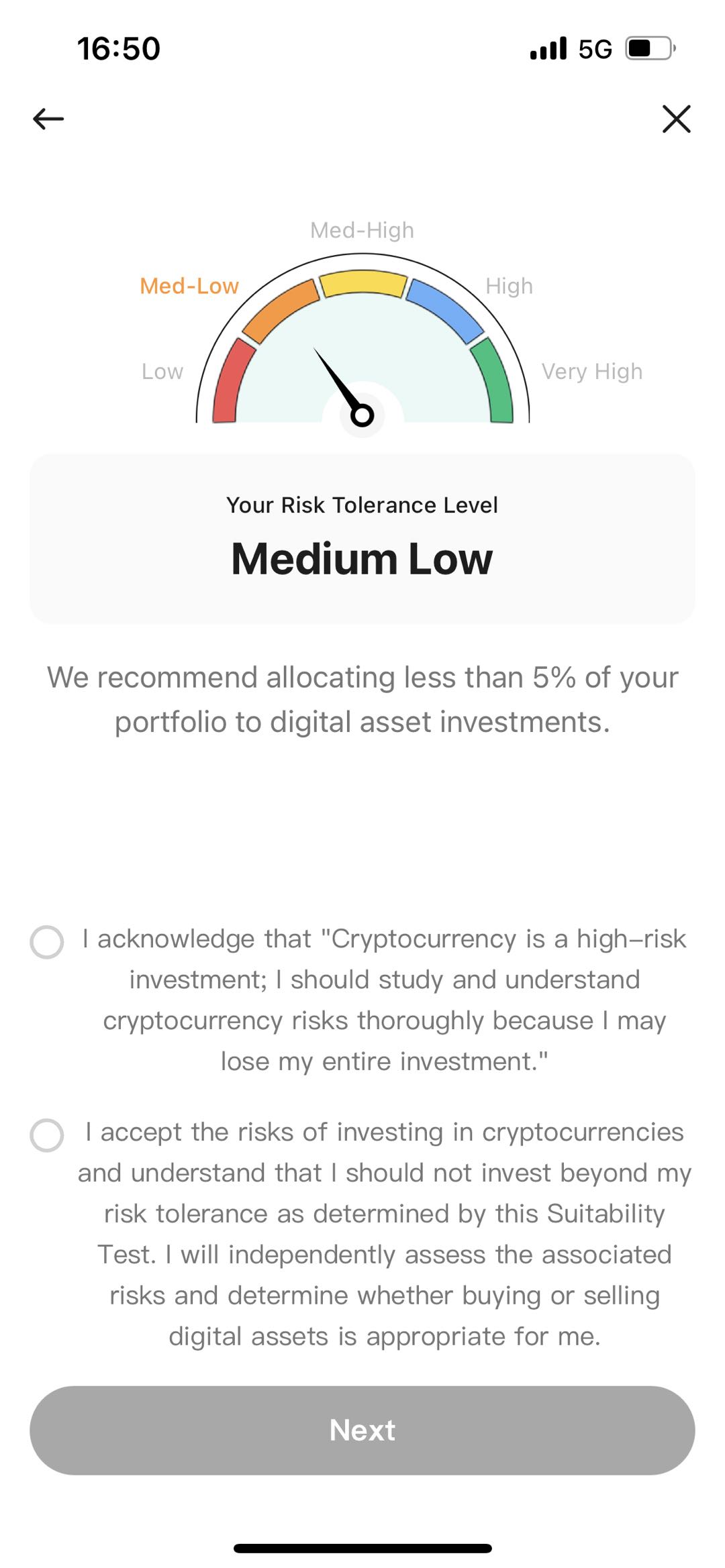
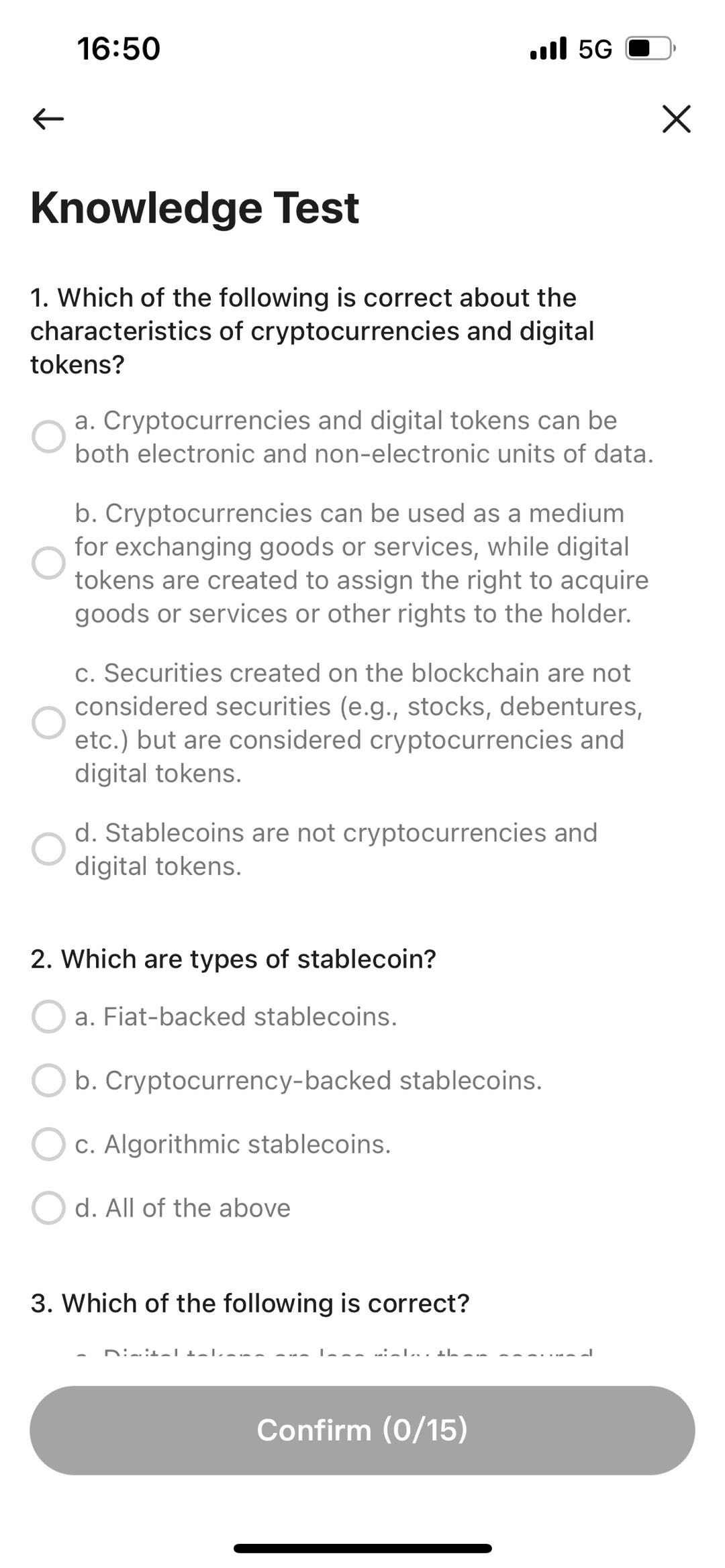
11. Complete onboarding testing process; Suitability Test and Knowledge Test
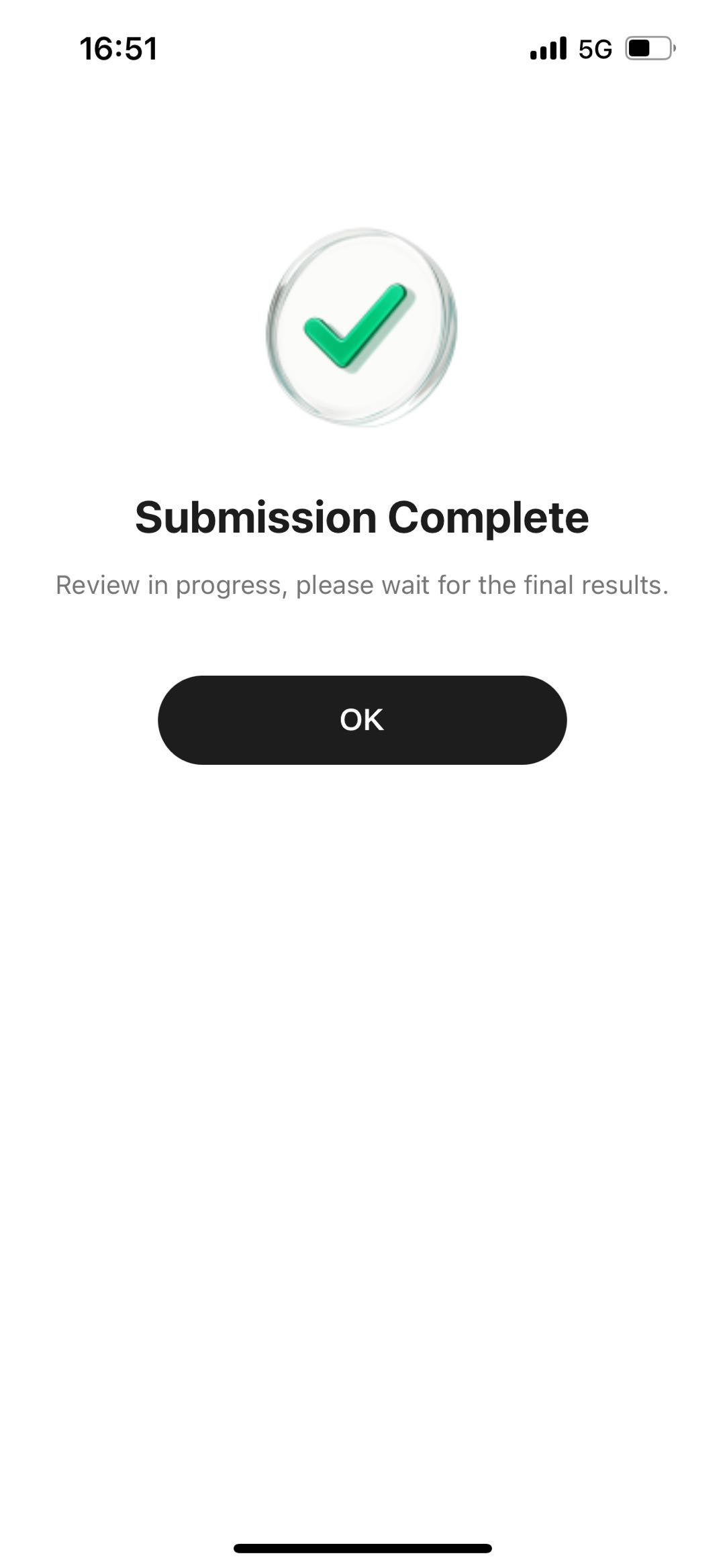
12. The screen will display a confirmation that your account in progress. Our staff will review your information within 3–7 business days.