Withdrawal Settings
Last updated: 12/01/2025
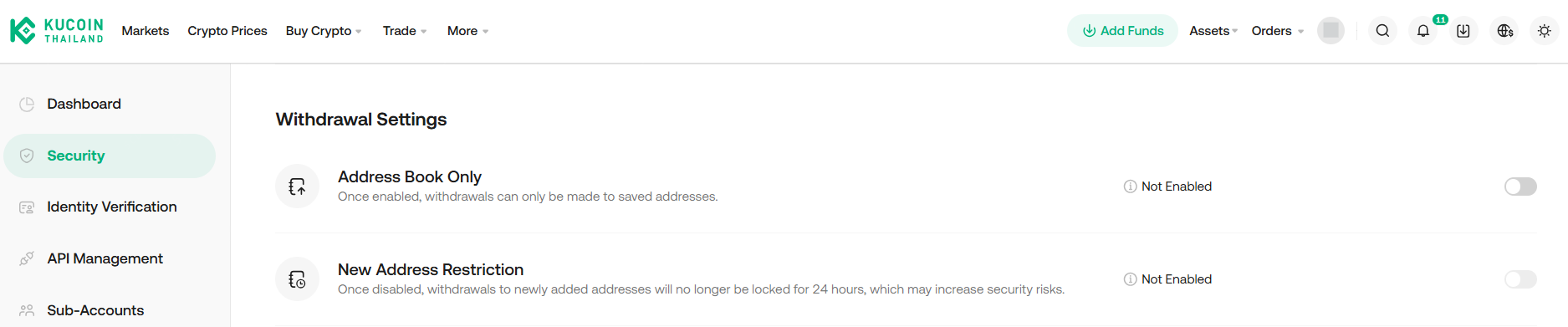
If you would like to change your Withdrawal Settings, you can access by visiting this link: https://www.kucoin.th/account/security
or following these steps.
Log in > Account Security Settings > Withdrawal Settings > Address Book Only / New Address Restriction
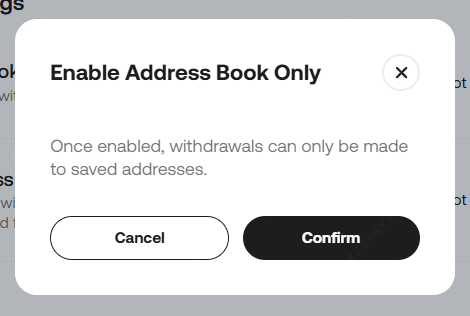
Then the pop-up will show, click "Confirm"
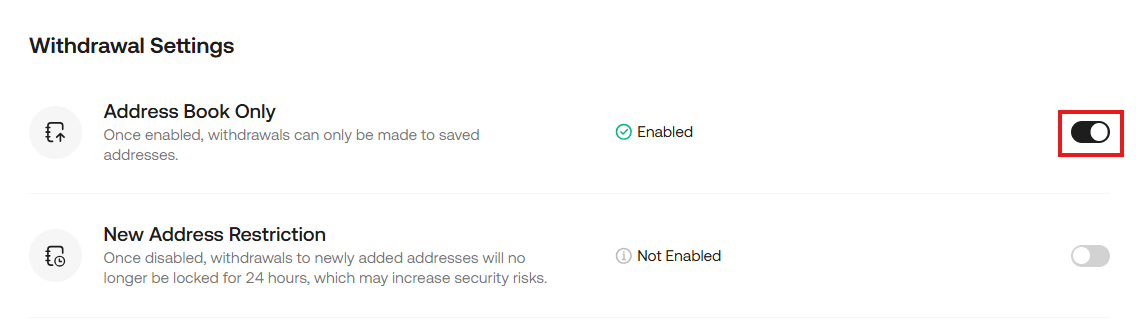
After enabling "Address Book Only", the "New Address Restrictions" setting can be enabled.
Then the pop-up will show, click "Confirm"
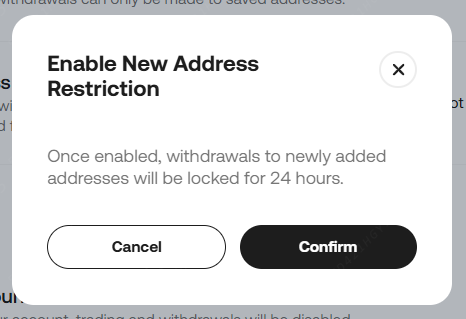
When "New Address Restriction" is enabled, digital asset withdrawals will be locked for 24 hours.
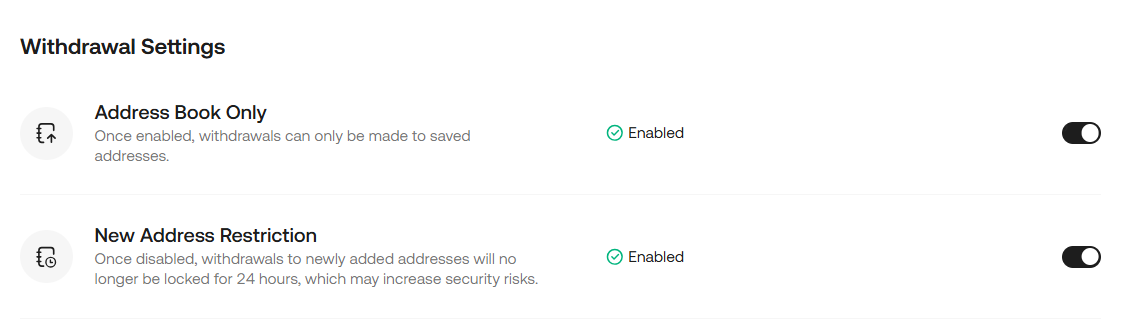
To disable the withdrawal setting, change the setting to Not Enabled and wait 24 hours.
Then the pop-up will show, click "Confirm"
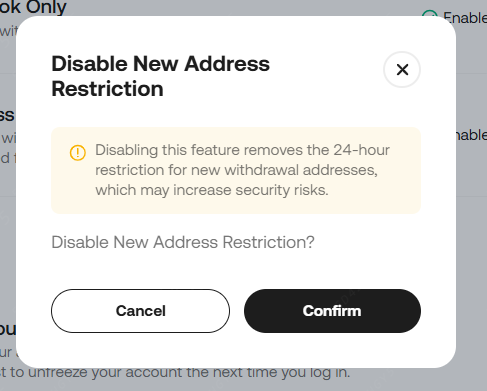
Then a security confirmation page will appear.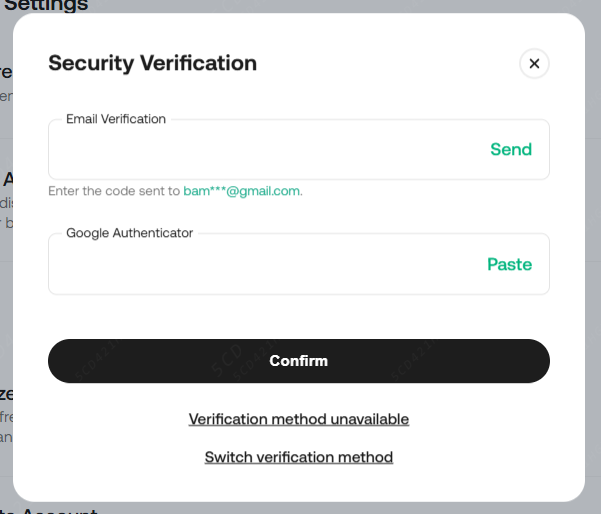
Then, once the security code has been entered, you can turn off the withdrawal settings.